

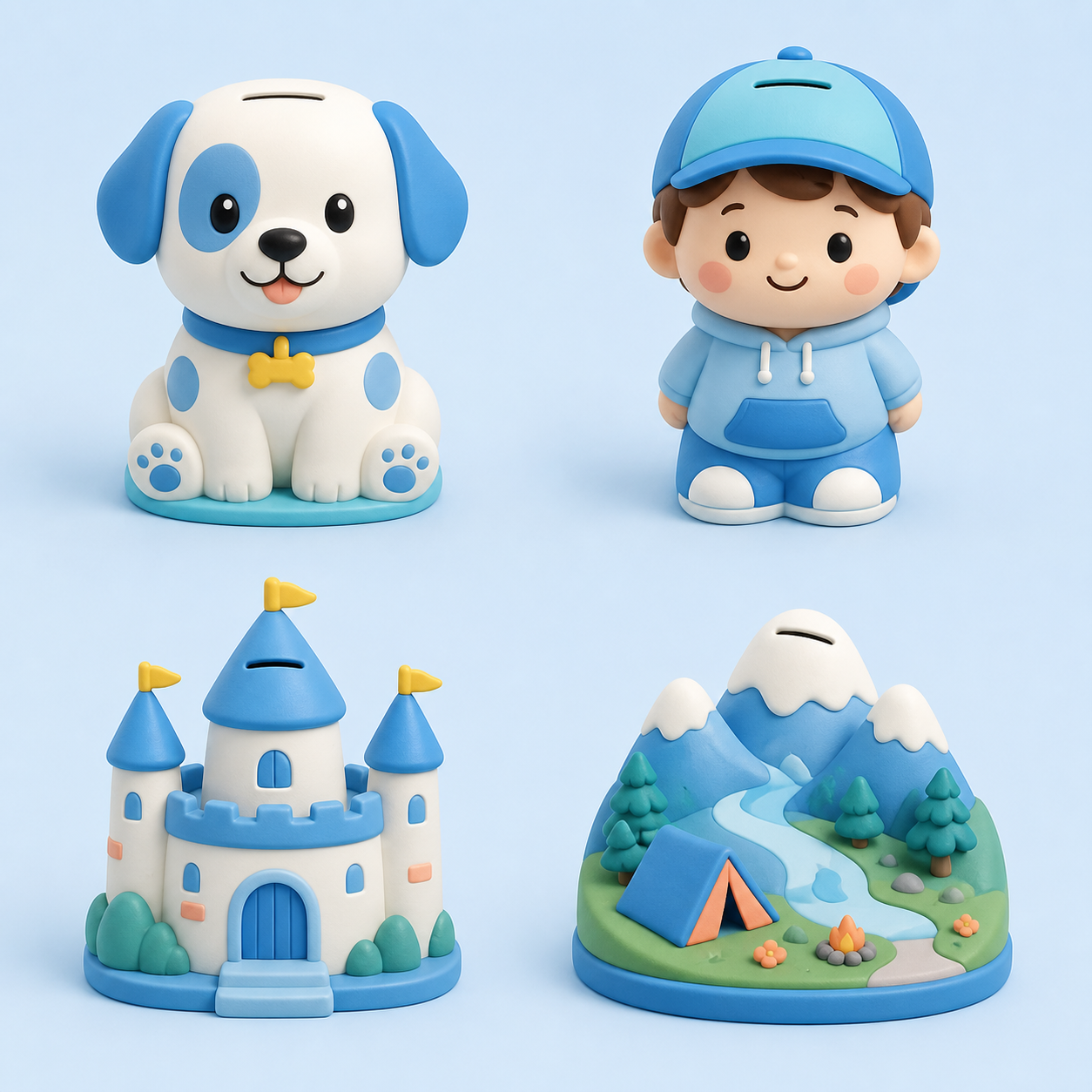
Animal buddy
Turn a favorite picture into a colorful model, then make room for coins inside.
Choose a direction, then add your own character or landscape.
A favorite animal, a tiny castle, or a memorable landscape can hold coins and a growing little goal.
Turn a pet or imaginary creature into a rounded money box.
Use character art or a toy photo for a personal collectible.
Houses, castles, and treehouses can hide a growing coin collection.
Mountains, lighthouses, and campsites become a desktop world.
AI makes the colorful model, then this page uses 3D Studio Smart Hollow to create a sealed cavity.
Choose character or landscape so AI knows what kind of money box to make.
Keep the picture's colors and turn it into a model you can spin.
After the hollow asset is saved, size the top coin slot and bottom access opening.
Export the finished printable file and make it together.
The shape comes from your picture, while the structure is prepared for saving and printing.
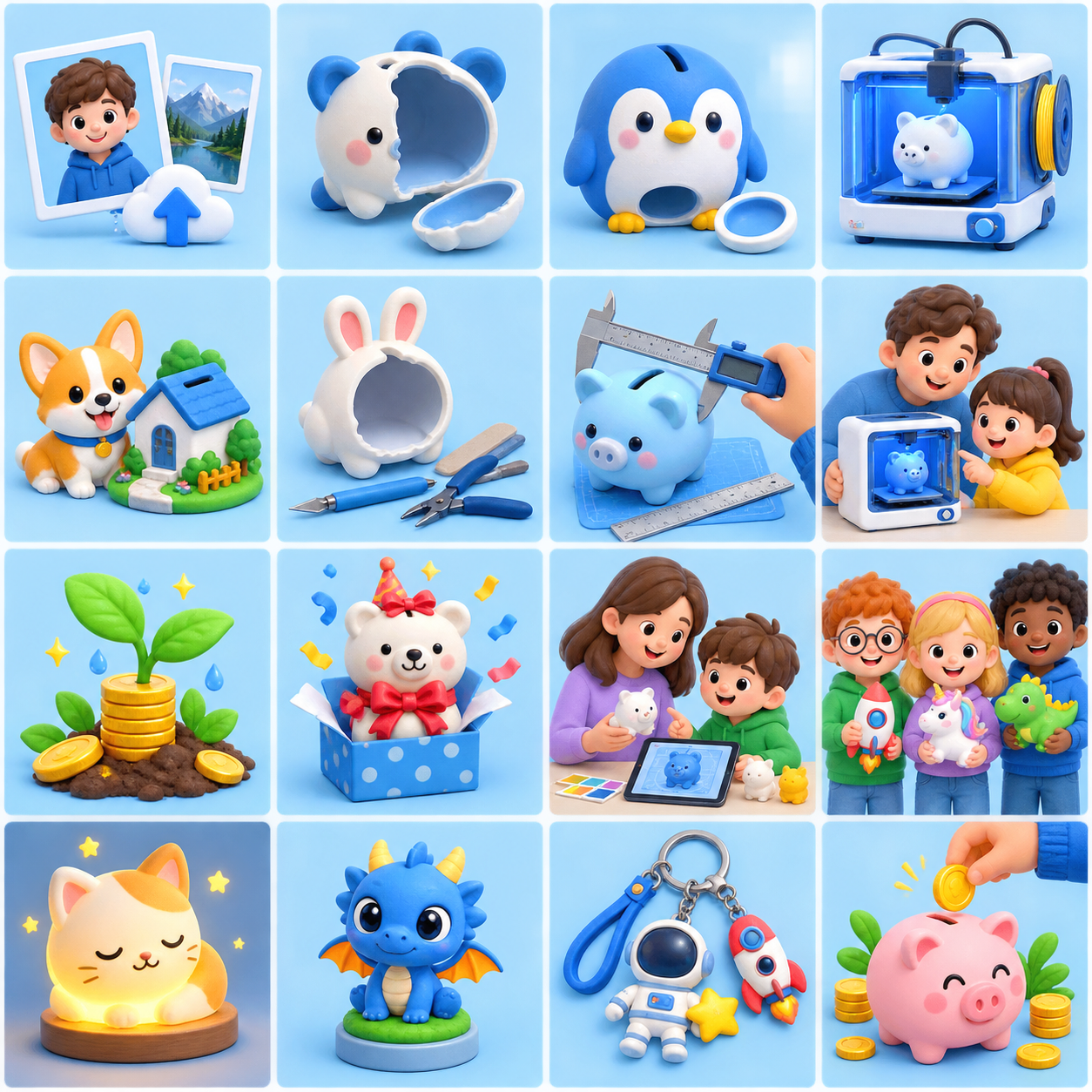
One friendly workflow understands animals, people, homes, and little worlds.
Generate the colorful model once, save its sealed hollow asset, then cut from your settings.
Spin the model and tune its overall size, top slot, and bottom opening.
The textured GLB stays editable for the next making step.
Add a coin each day and watch a small goal grow.
Make a one-of-a-kind gift from a favorite character.
Choose, tune, and print together as a creative family activity.
Bring art, measurement, and saving habits into one hands-on project.
Generation, editing, and cutting each do one job well—keeping the shape while reducing repeat waits.
Create the colorful shape once, then build its hollow structure.
Coin and access openings use clear, printable dimensions.
Chinese and English pages share the same creation tools.
Clear subjects, simple backgrounds, and complete silhouettes usually create the best shells.
Pick a favorite picture and begin with a character or landscape.